

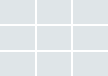
Various number of columns and a bunch of layout settings like gap sizes, highlighted posts etc.
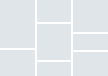
Lovely masonry grid overview, perfect for different featured image proportions. Flexible layout settings.
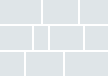
Blog grids in metro style. Best option for showcasing your blog post overviews in a modern way.

Attract your visitor’s attention to some special blog highlights by choosing this modern grid style.
blog grid width
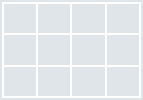
Portfolio overviews, using 100% page width. You can use it in any of portfolio layouts above.
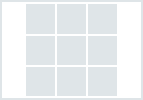
Post your portfolios in fullwidth content area. Applicable for any portfolio layout types.
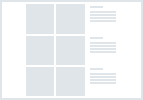
You can use any of portfolio layouts on pages with any sidebars: left or right or both.

Mix your content with portfolios. Place any portfolio layout on any position in content you wish.
Grid Columns
Display styles
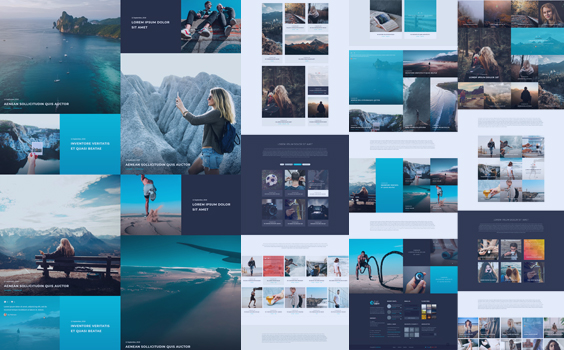
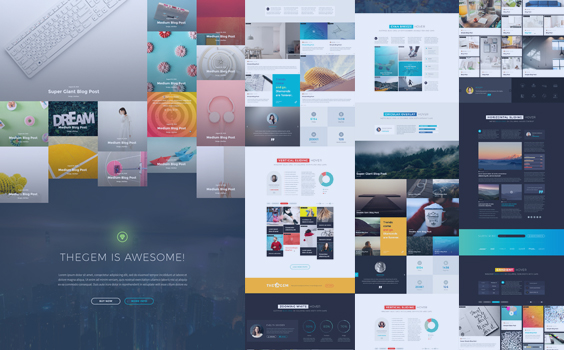
Display Blog Post Details

Show your chosen blog post captions like title, description, author below the featured image.

Show your chosen blog post details directly on featured image.

Alternative position for blog post details along the featured image.
Hover Types






Loading Mode & Pagination
Loading animation


- Show / hide post titles & excerpts
- Show / hide post date & categories
- Choose blog categories
- Define number of posts to be displayed
- Enable / disable filters
- Set any gaps size between posts
- Show / hide name & date sorting
- Asc. / desc. sorting options
- Enable / disable likes
- Enable / disable sharing
- Define highlighted / featured /sticky posts
- Enable / disable animation
- Choose from 6 animation effects
- Choose from 6 awesome hovers
- Fancy titles or slideshow in header